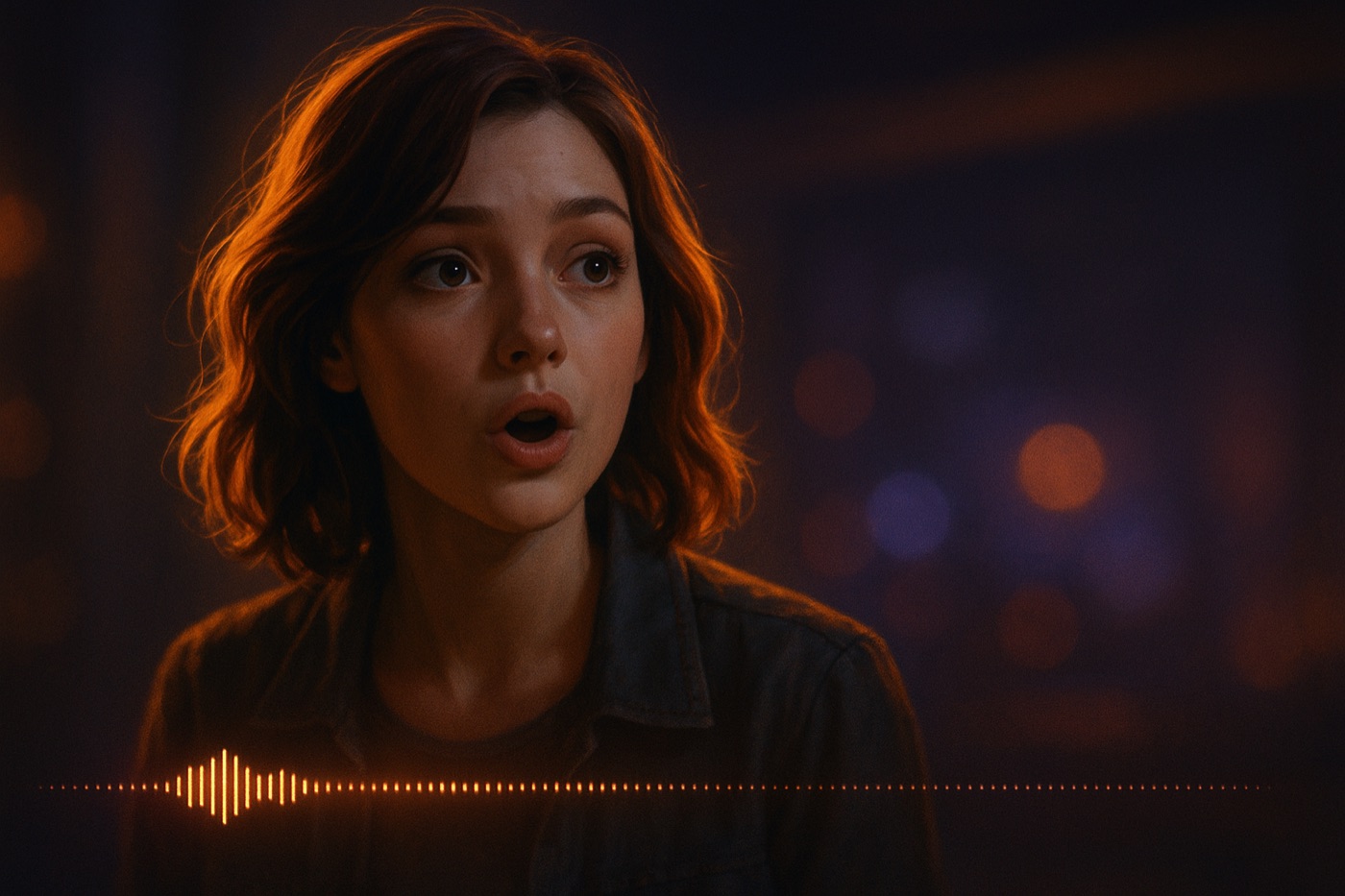
Every charactr character carries a voice. Type or speak the line, pick the take, re-direct the delivery. The scene below is generated — tap play to hear what your cast can do.
All audio above is AI-generated for illustration. Made with charactr.
charactr's voice and dialogue stack covers every part of how a character speaks, listens, and performs — the same vocabulary used in our trademark filings (US Serial 90685458; EU 018590352).
Every character carries a voice. Cast a tone, pick a timbre, save a voice identity that comes back across scenes. Voice-acted dialogue is the unit of performance, not just text.
Put two or more characters in a scene and let them talk. Conversational interactions, on-screen reactions, ensemble dialogue — direction-driven, not chat-thread-driven.
Speak the direction. charactr's voice recognition and speech-to-text turn spoken notes — "pull in tighter, slower, amber key light" — into shots, beats, and dialogue your cast performs.
Characters who can converse, react, and respond — inside scenes you direct, on screen, in performance. The conversation lives in the cut, not in an endless chat window.
Speak commands and direction. charactr listens, transcribes, and turns your voice into instructions the studio executes. Your hands stay on the camera; your voice runs the set.
Voice samples on this page are AI-generated for illustration. charactr labels every output as AI-generated in the app and on share, and discloses every third-party voice and language provider used to generate your content per Apple's Guideline 5.1.2(i) and the EU AI Act Article 50. See AI providers & disclosure.
Cast · Direct · Voice · Perform — no ads, no subscriptions
 charactr